
iPhones come with a lot of great features—as the smartphone continues to upgrade its ios, it also continues to unlock new features and expand its services. But you can utilize it even more and make it more powerful by unlocking different iPhone hacks and tricks hiding in your smartphone.
There are actually hundreds of secret features you probably not aware of, and we list down 10 iPhone useful hacks for our daily haggles. Here are our picks:.
Extend battery life
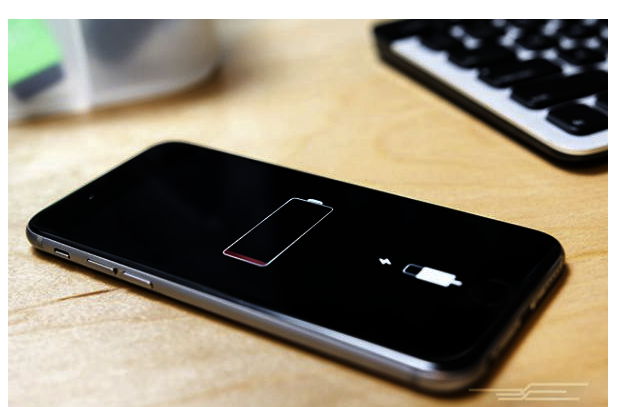
Does your iPhone battery get drained easily? To extend your smartphone's battery life:
Option 1: You can go to your iPhone settings > Siri and Search > Turn off ‘Suggestions in Search,’ ‘Suggestion in Look Up,’ and ‘Suggestions on Lock Screen.’
Option 2: Go to Accessibility > Motion > Turn on ‘Reduce Motion’ (although I do not personally recommend this one as it slows down your iPhone a little bit).
Option 3: Go to General > Background App Refresh > Turn off Background App Refresh. Make sure to also turn on the ‘Optimized Battery Charging’ in your Battery setting.
Maximize the volume
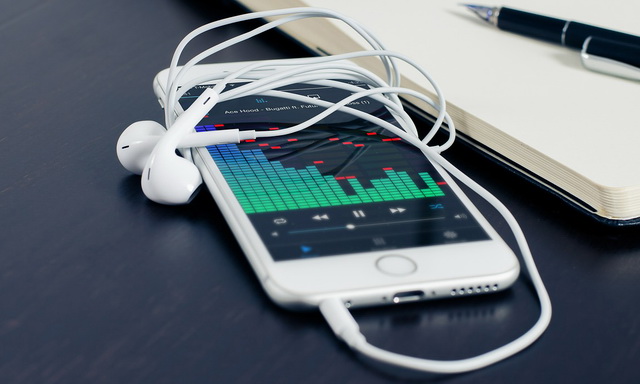
Did you think that you have already reached the maximum volume of your phone? You can increase the volume of your smartphone even more by going to the Settings > Music > EQ > then select ‘Late Night’.
Rearrange apps faster
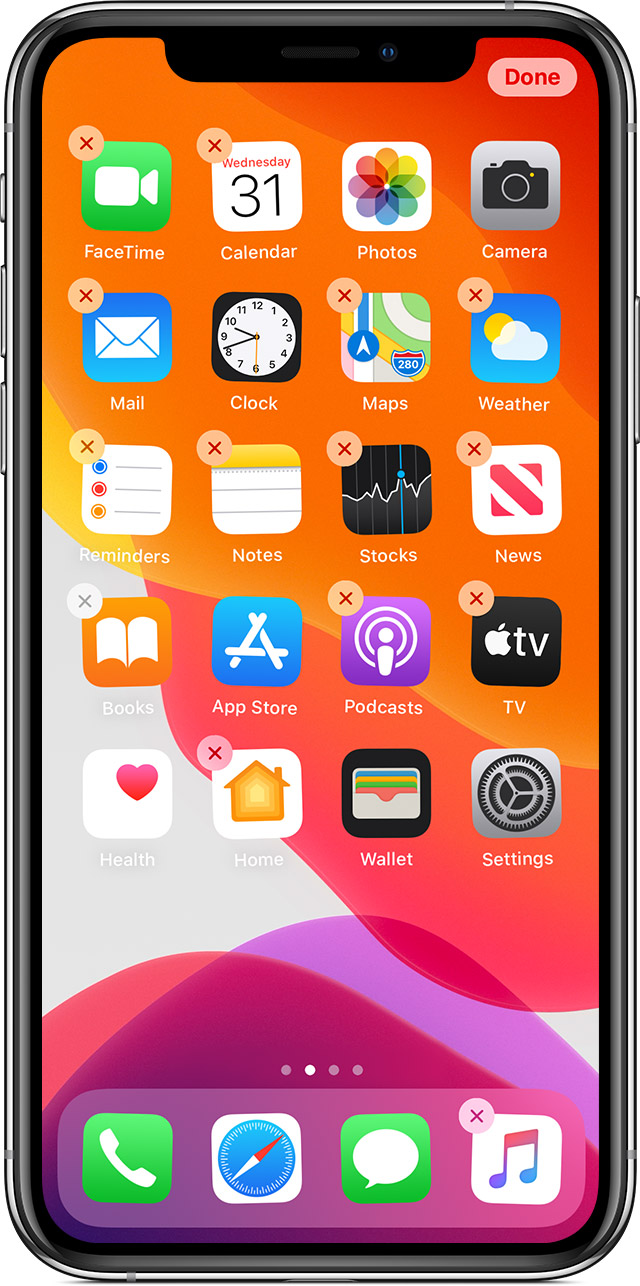
You can add your app icons in one folder a lot faster by long-pressing on an icon until all the icons begin to jiggle. Then press and drag an icon to begin moving it. With another finger, tap any other icons to also select them for moving. Once you've selected all the icons you want to move, drag the group to the desired location and release. (This will not work with folders. If you tap a folder, it will just simply open.)
Copy and Paste
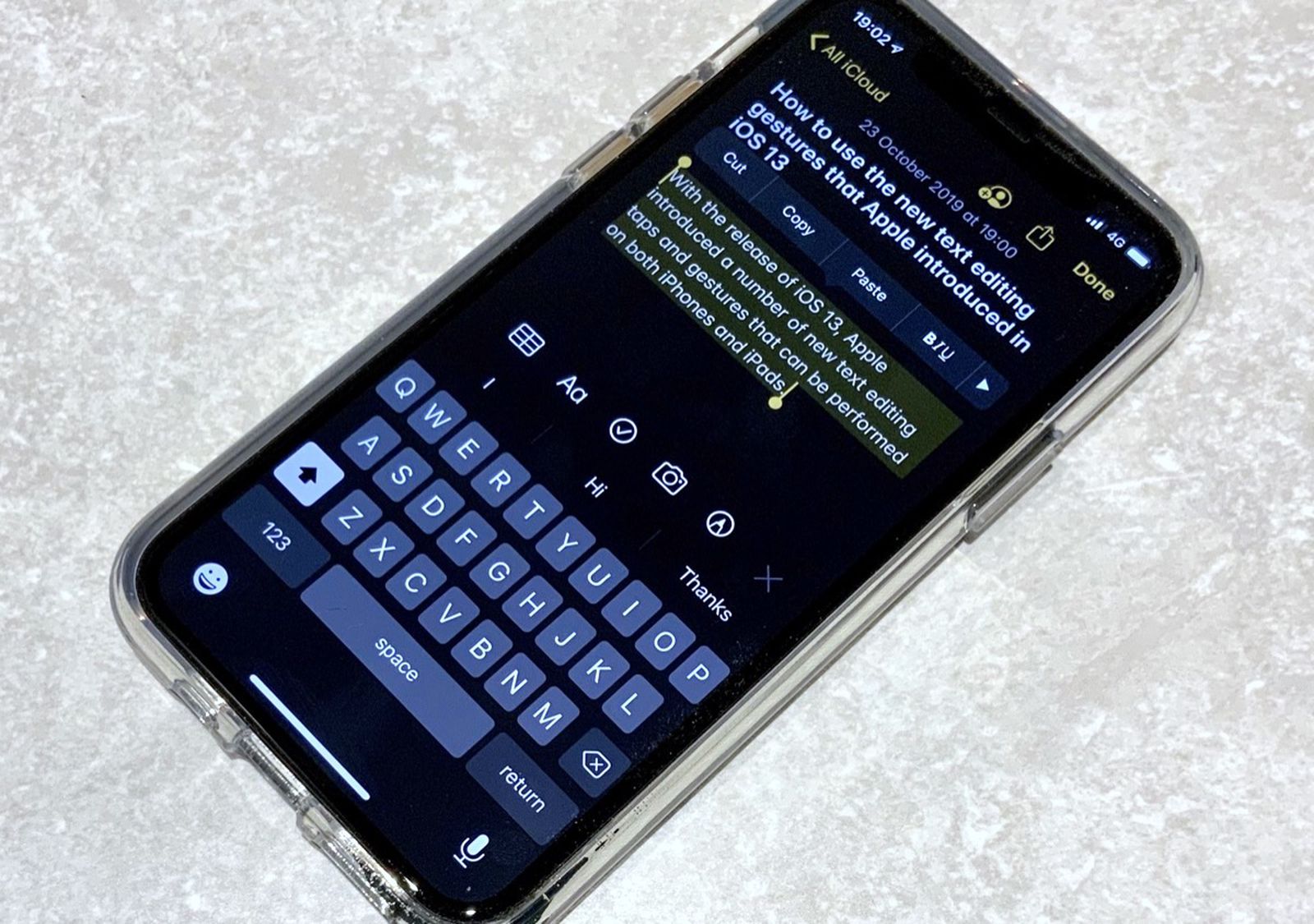
You can copy and paste text simplier by selecting the texts first to highlight them and swipe in with your three fingers to copy, and swipe out to paste.
Easier Screenshot
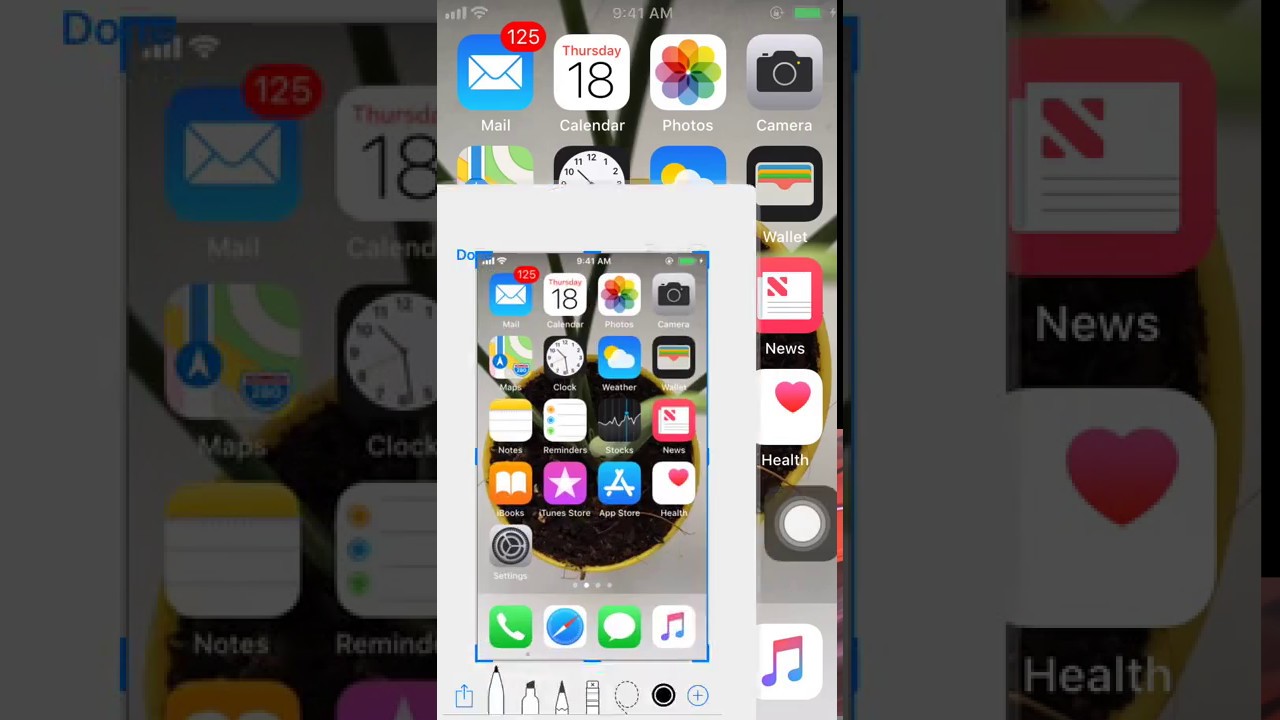
If you are concerned that your lock button and volume button might get loose for using it a couple of times to take a screenshot, you actually use your assistive touch as another option. Just go to Settings > Accessibility > Touch > Assistive Touch (make sure to turn it on > ‘Double-Tap’ > ‘Screenshot’. Now you can just double tap your assistive touch button to take a screenshot.
Take photos with your voice
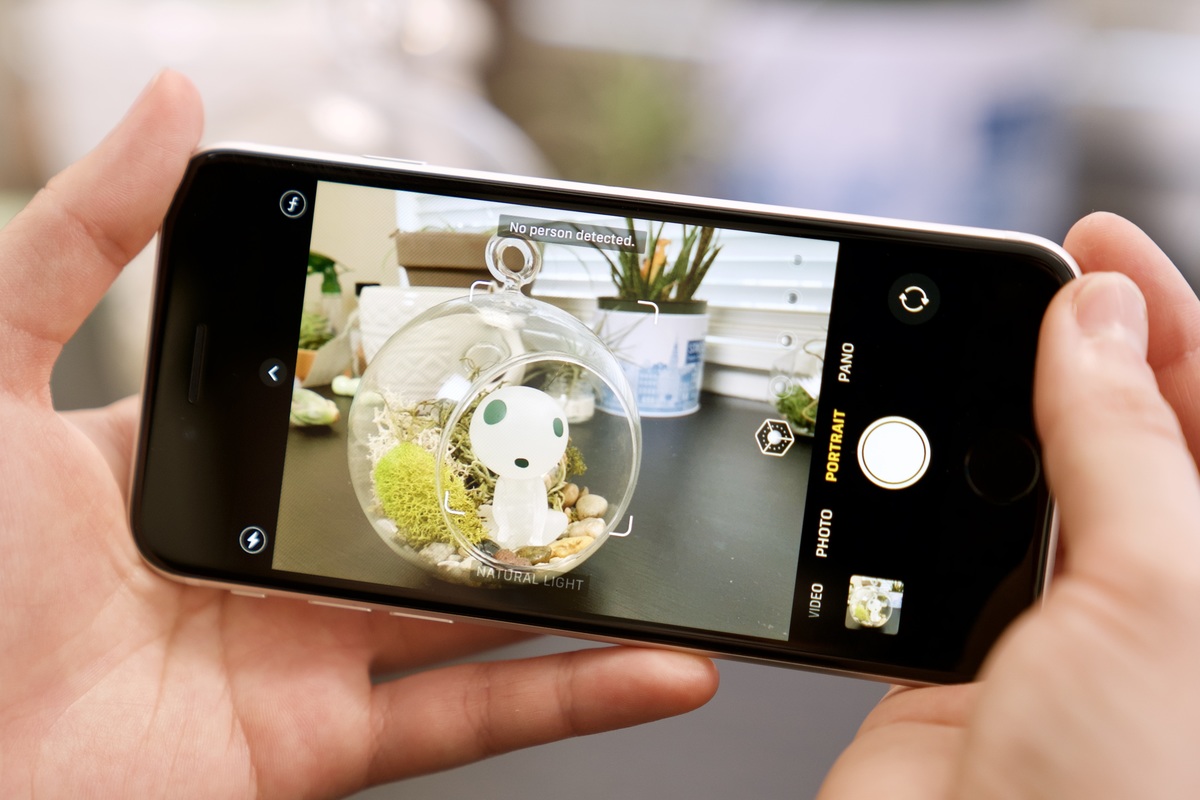
Did you know that you can also take a photo in your iPhone with your voice? Go to Settings > Accessibility > Voice Control > Customize Commands > Create New Command > Type in any phrase you want to use > Run Custom Gesture > Click the area where the camera button is located when taking photos. And voila, you can now take pictures using your voice.
Select messages easier
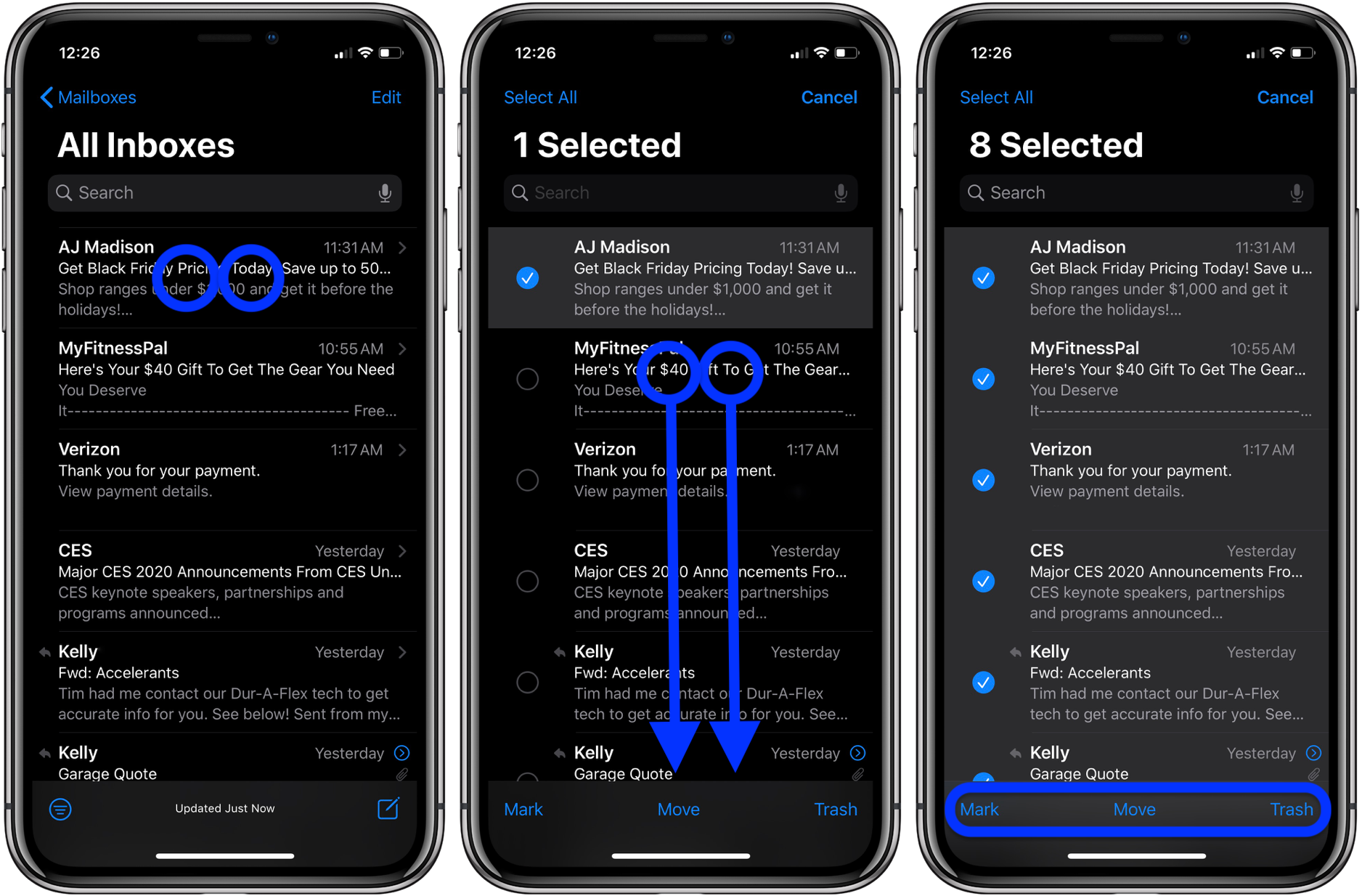
You can select multiple messages, emails and notes by simply selecting them down using two fingers.
Shortcut to typing in your e-mail / number
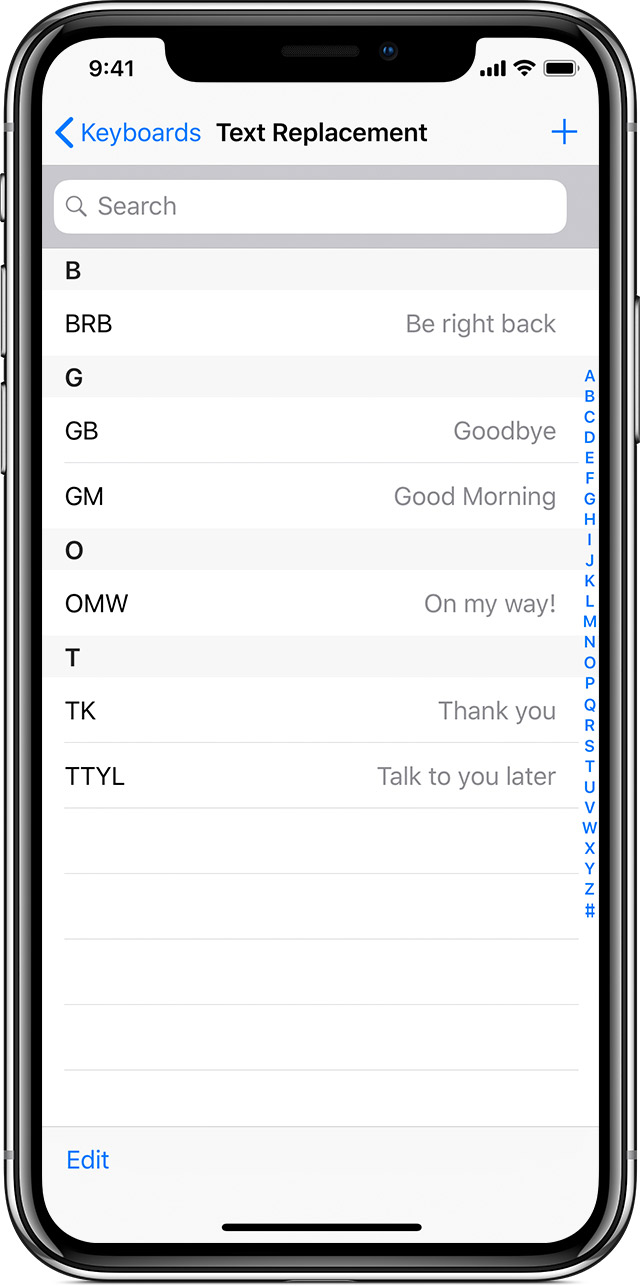
You can save much time if you just type in two characters instead of your email or number right? Just go to settings > Keyboard > Text Replacement > + button on the upper right > type in your email at the shortcut then put in any character you want at the phrase.
Measure things with your iPhone
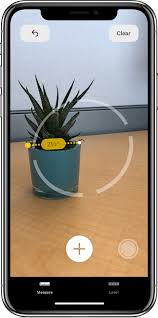
If you ever wanted to measure something and you did not have a tool to use, this one's for you. There's a built-in Apple app called ‘Measure’, and it allows you to measure IRL distances using your phone's camera.
Hide your app in your phone
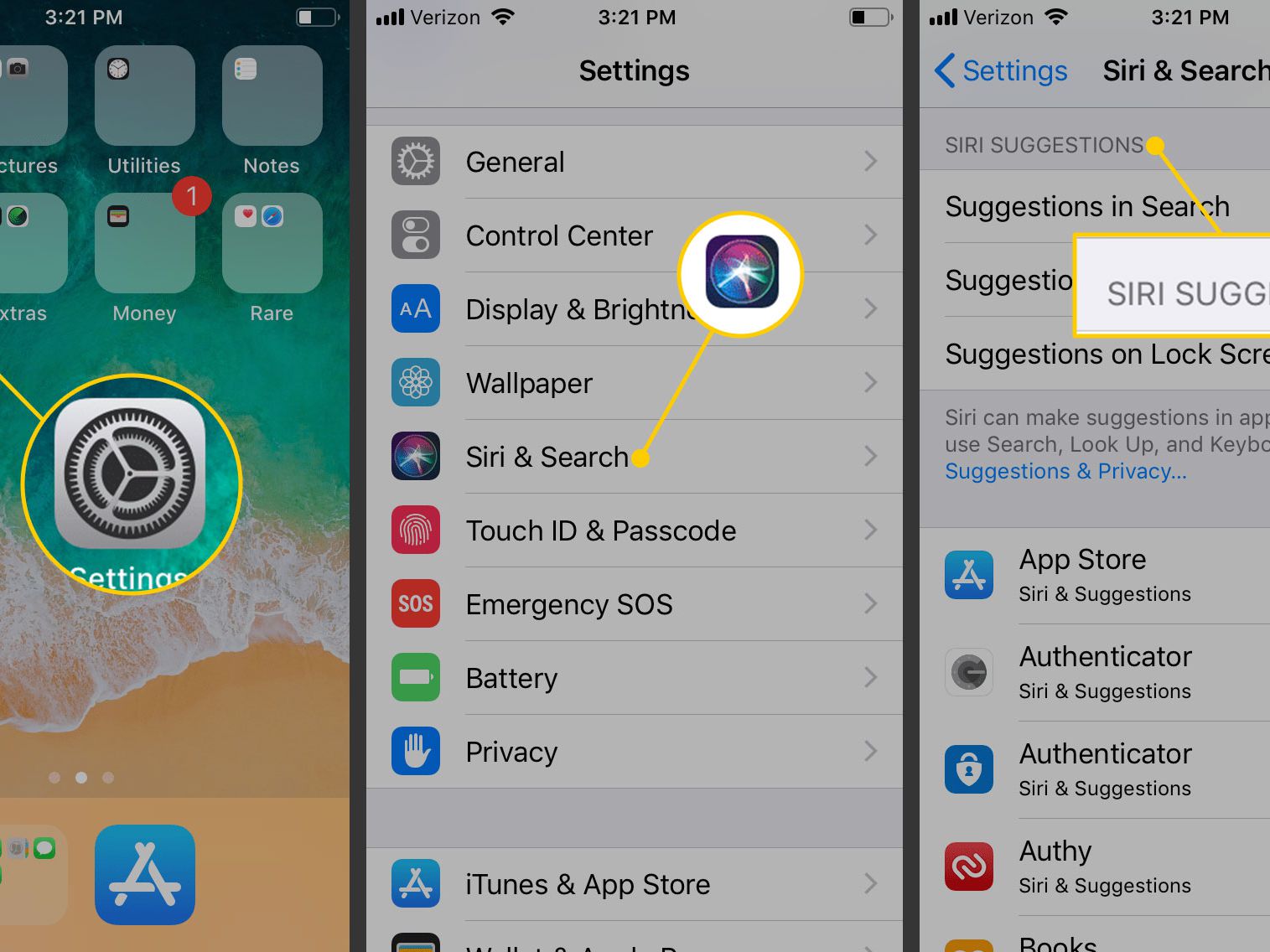
If you want to prevent people from sneaking in your apps, you can hide them by going to Settings > Siri and Search > select the app you wish to hide > Turn off Show App.
Use this feature for emergency purposes
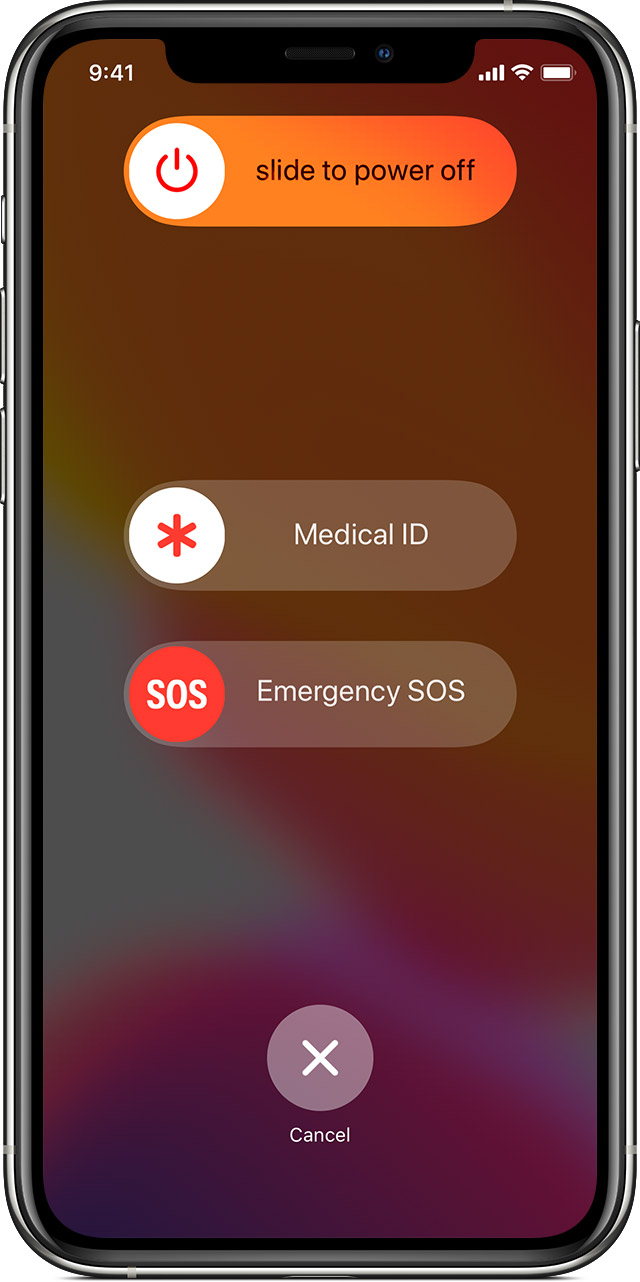
Go to Settings > Health > Medical ID > Add your emergency contact person. If you are in danger, you can call SOS by long-pressing the lock and any volume button. Once the call has ended, your iPhone will automatically send your emergency contact a text that you called SOS with your location every 10 minutes, even if your location services are off.
On June 22, 2020, Apple unveiled iPhone’s newest operating system—the iOS 14. The new operating system is said to be “the biggest updated ever to Home Screen pages,” as Apple has totally redesigned the widgets and other built-in applications such as App Store, Messages and App Library. Apple did not confirm the iOS 14 exact release date today, but the technology company said that the new operating system will be available in September this year.
Related Reads
What's New
More Articles